
What Is a Pulse?
A pulse measures connected call duration on Uservox. Every connected call (the customer actually picked up) is billed in pulses:- 1 pulse = 1 minute of connected talk time
- Duration rounds up to the next full minute — a 45-second call is 1 pulse, a 70-second call is 2 pulses.
How to Reach Pulse Usage
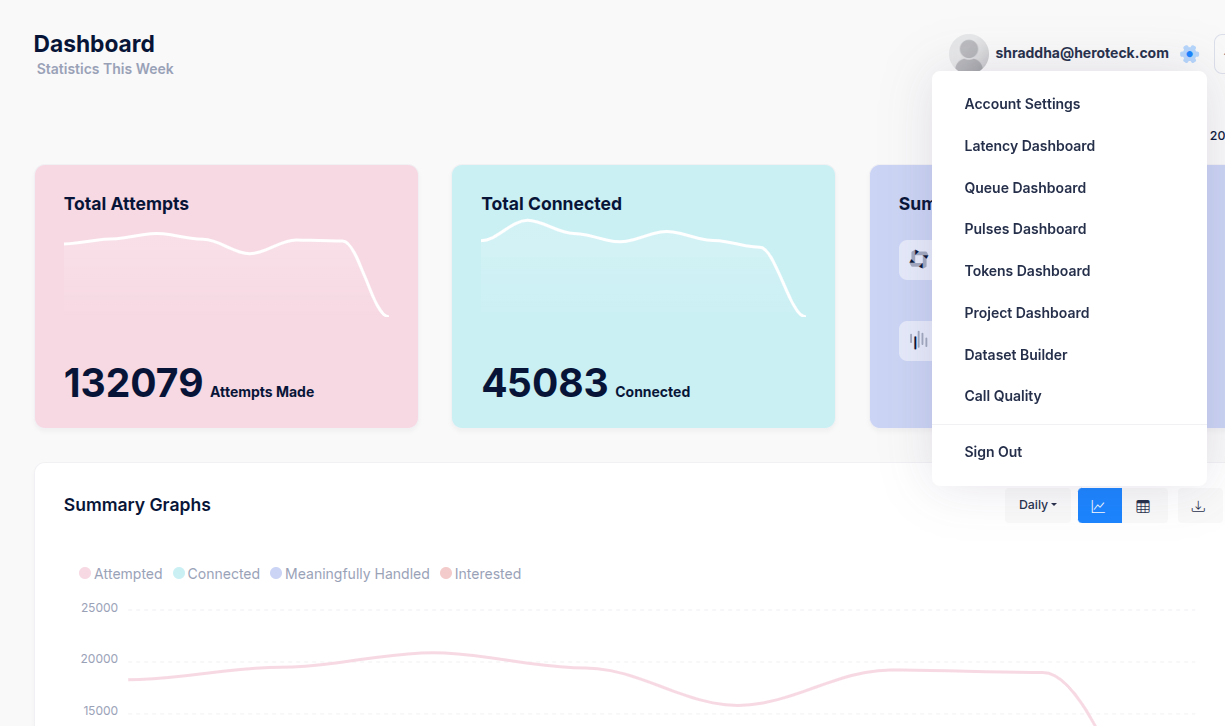
- Click your profile in the top-right corner.
- Select Account Settings.
- From the left sidebar, click Pulses.
Full Pulses Guide
See Pulse or Connected Minutes for the monthly usage view, the Pulses Dashboard (date-wise and project-wise breakdown), CSV export, and how pulses relate to total attempts and connected calls.