
Introduction
Welcome to the Vox CRM API documentation. This API provides comprehensive lead management capabilities including creating, updating, querying leads, and tracking activities.Base URL
All API endpoints are relative to the base URL:Authentication
All API requests require authentication using a Bearer token in theAuthorization header:
Getting Started
Before using the API, you’ll need to obtain the following credentials:1. Get Your API Token and Project ID
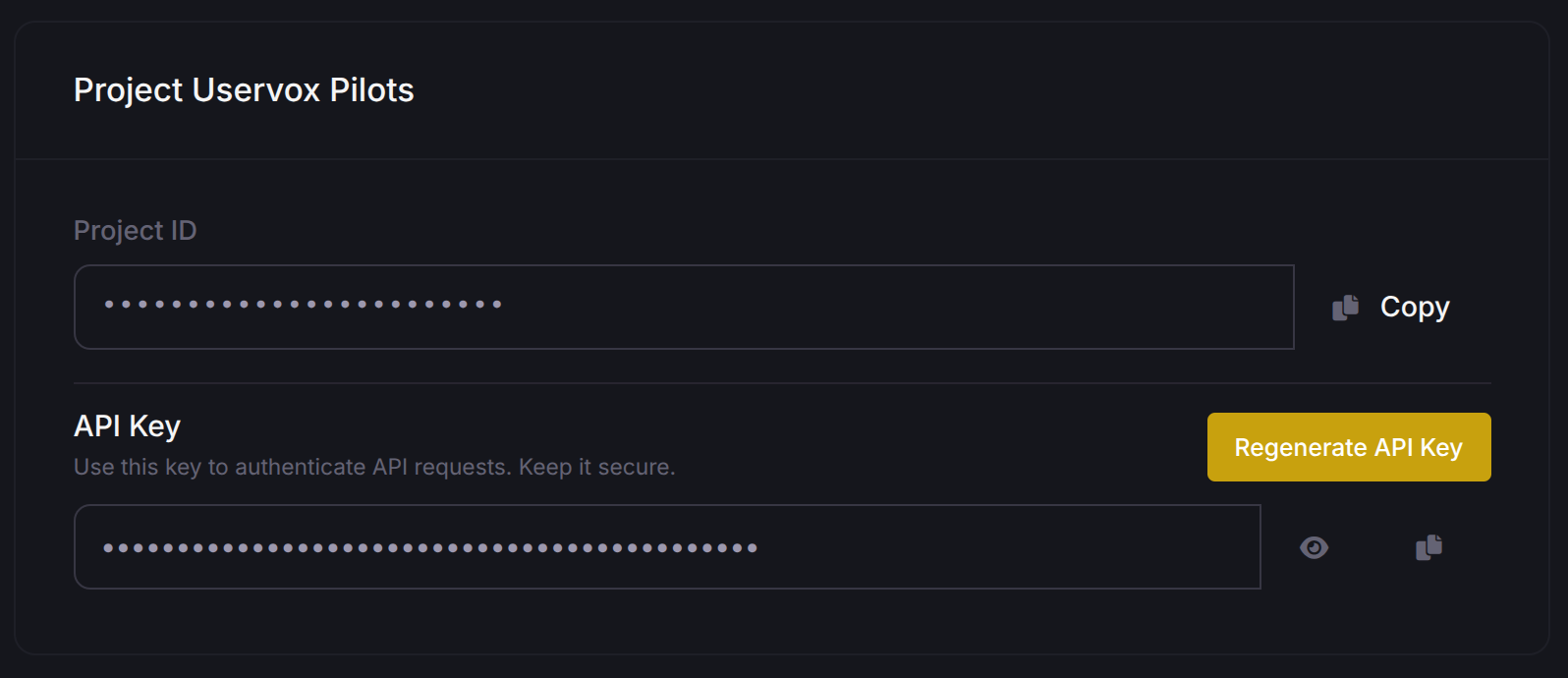
To get your API token and project ID, visit the Account Settings page.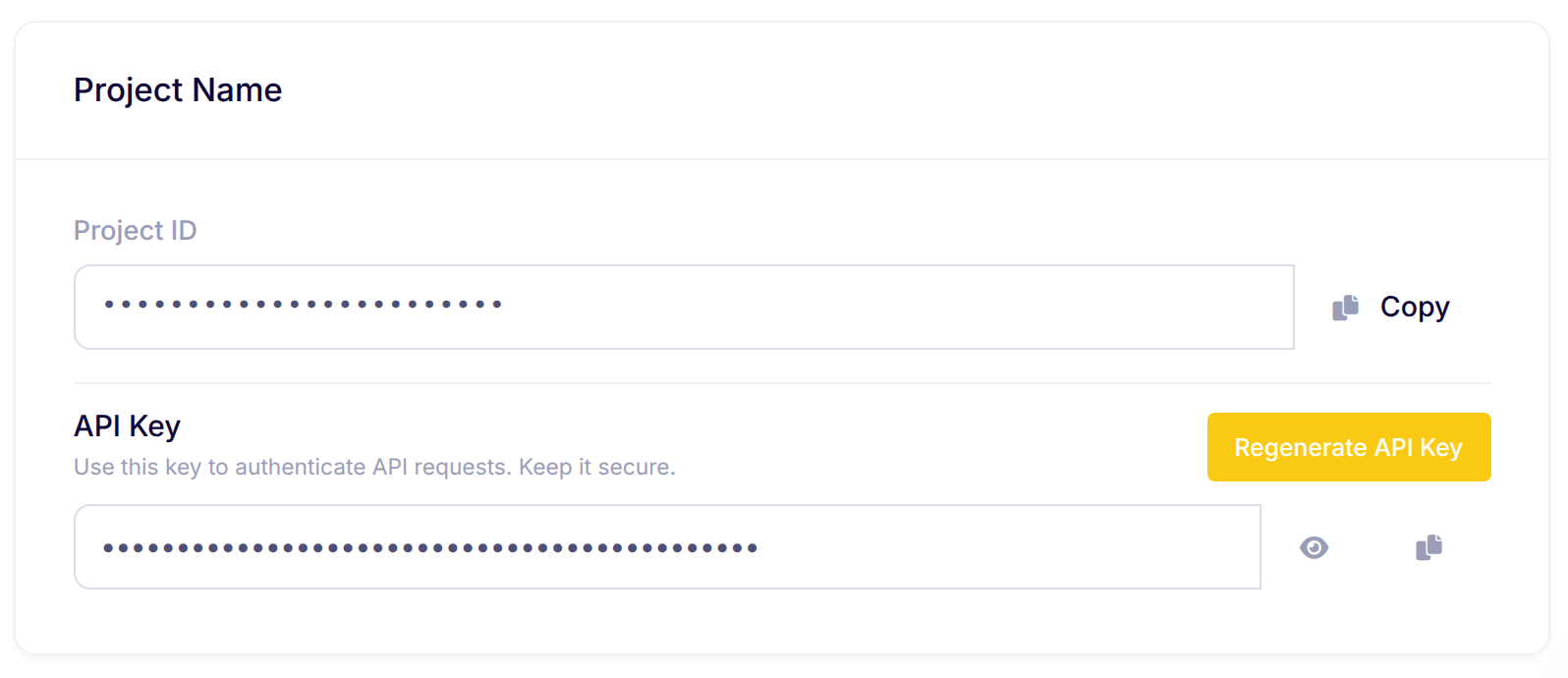
2. Get Your Process ID
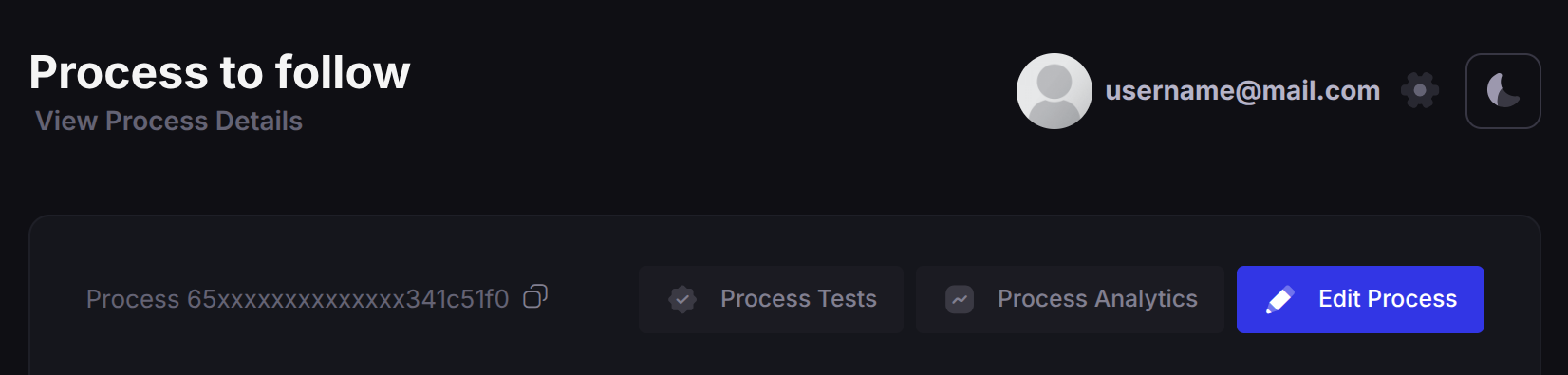
To get your Process ID, navigate to the Processes page and select your desired process.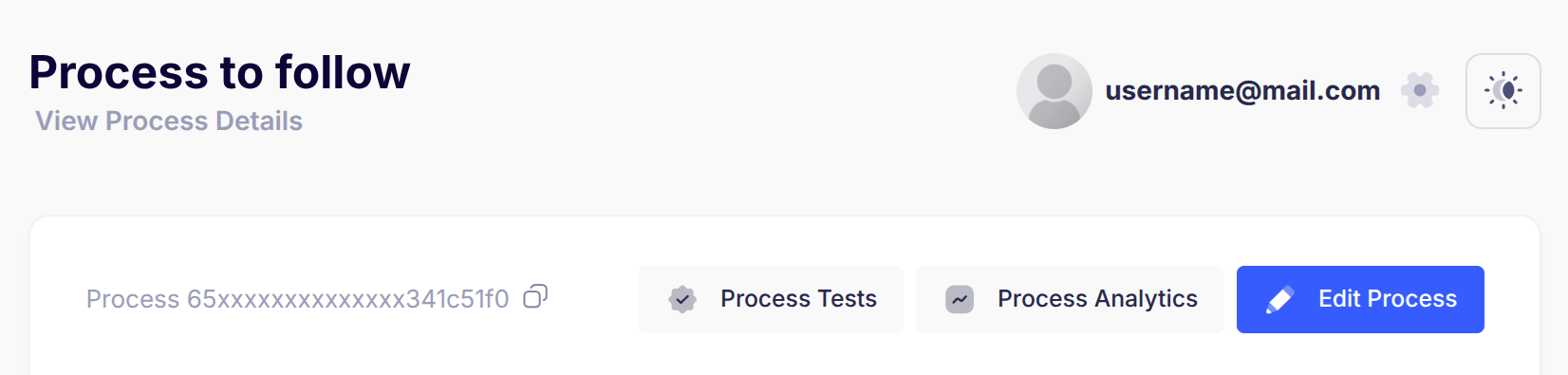
Available Endpoints
Leads Management
Initiate Lead
Create or validate a lead for calling
Bulk Initiate Leads
Create or validate multiple leads at once
Update Lead
Update lead metadata and transition states
Get Lead
Retrieve a single lead with all its activities
Query Leads
Query multiple leads with filters and pagination
Activities
Get Activity
Retrieve a single activity by its ID
Rate Limits
- Standard Endpoints: Standard rate limiting applies
- Initiate Endpoints: ~100 requests per 5 seconds per project
- Bulk Operations: Maximum 1000 leads per request
- Duplicate Detection: More than 5 duplicate submissions in 60 seconds will block the API key for 60 minutes
Response Codes
Data Validation
- Phone numbers are validated for patterns (e.g., repeating digits)
- Duplicate detection prevents multiple calls to the same number
- Required fields vary by endpoint - check individual documentation
- Use the
maskedparameter to mask phone numbers in responses