Overview
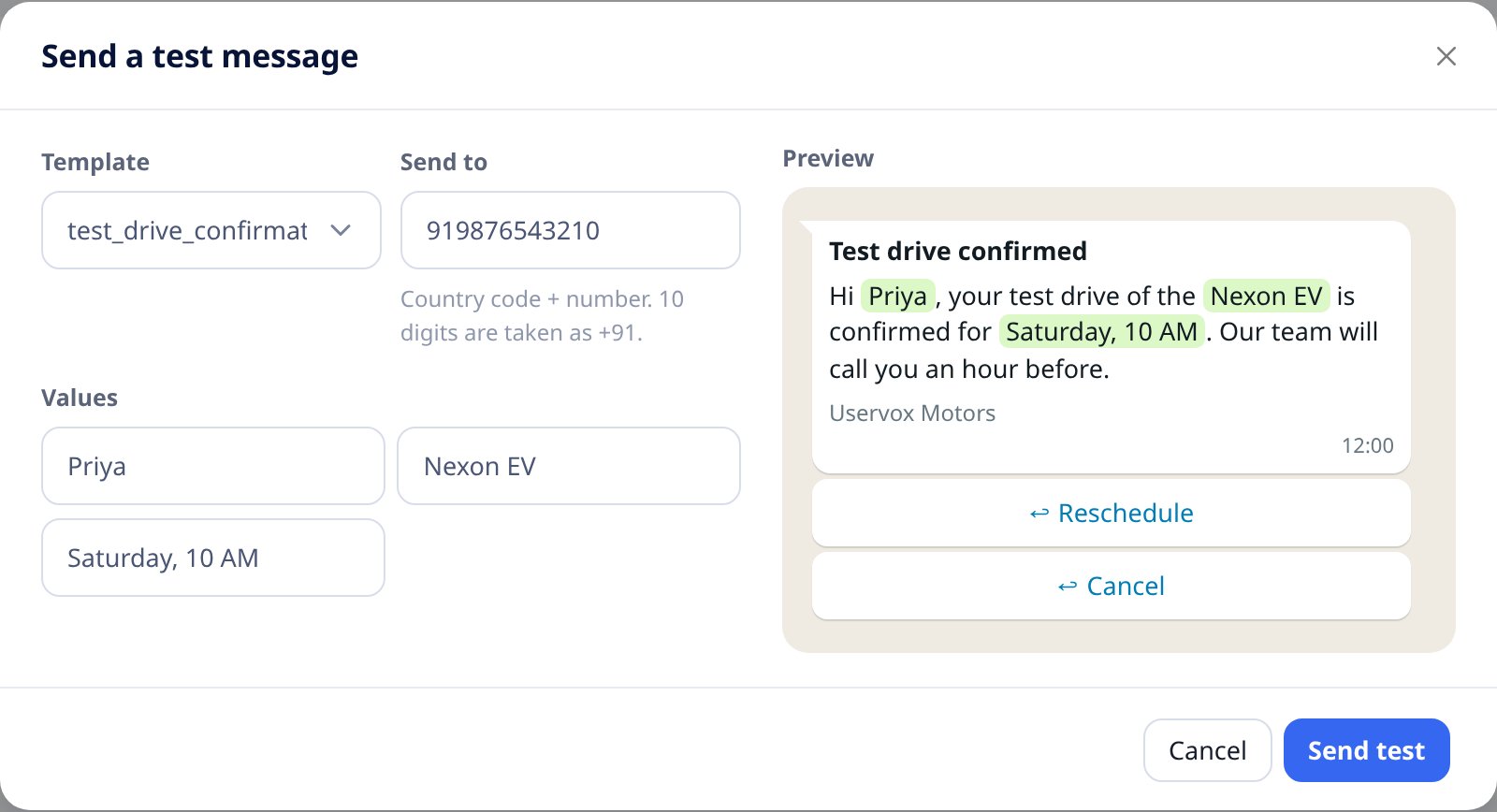
Before you use a template with customers, send it to your own phone. You pick an approved template, enter a number, fill in the values for{{1}}, {{2}}…, check the preview and send.
Only project admins can send test messages. A test message is a real WhatsApp message and is billed like any other.
Send a test
- Open WhatsApp → Templates.
- Click Send test next to an approved template. You can also click Send test at the top of the page, or open a template and click Send test in its preview.
- Fill in the form:
The Preview shows the message with your values filled in.
- Click Send test.
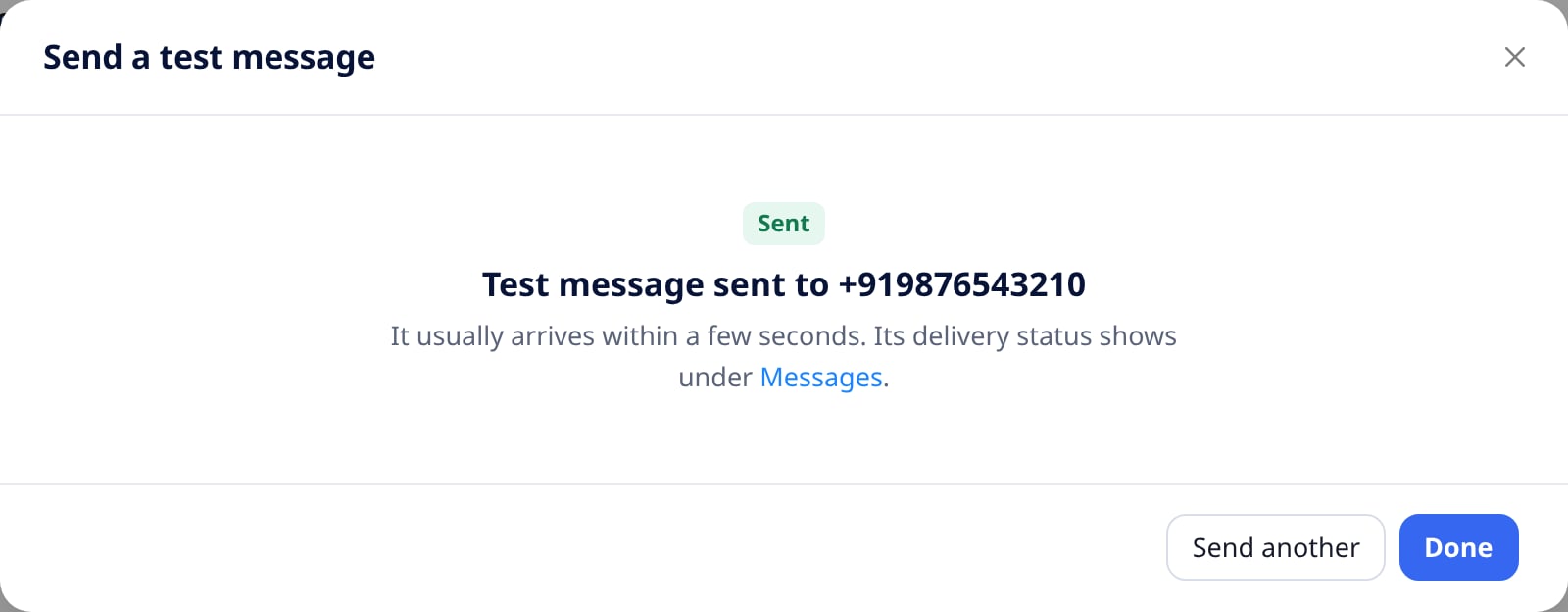
Check delivery
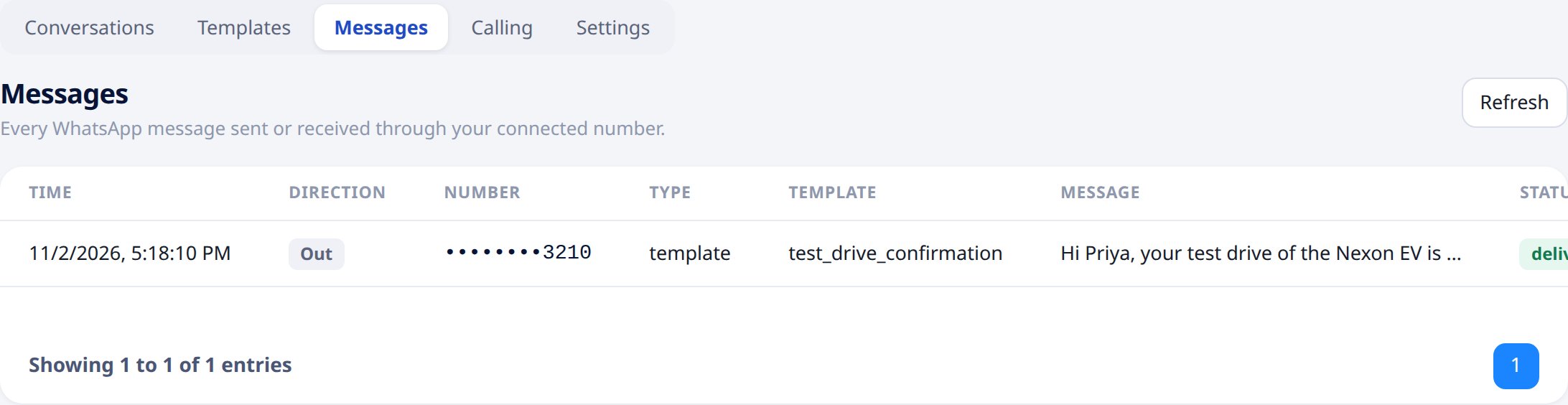
Every test message appears under WhatsApp → Messages. Its status changes from submitted to delivered and read as WhatsApp reports back.