> ## Documentation Index
> Fetch the complete documentation index at: https://docs.uservox.ai/llms.txt
> Use this file to discover all available pages before exploring further.
# Getting Started
## **Practice the call before you make it.**
Forge is a voice roleplay trainer for customer-facing teams — **bank employees, CREs, loan officers, insurance advisors.** Pick a scenario, talk to a realistic AI customer over a live voice call, and get scored on how you handled it. No real customer is ever on the line.
## **What Forge is for**
Every scenario in Forge is a **persona on the other end of a phone call** — a skeptical buyer, a first-time borrower, an existing customer you're trying to upsell. Your job is to run the conversation the way you would on the floor: open the call, understand the need, pitch, handle objections, and close.
Forge listens to the whole call and grades it, so you can rehearse a tricky pitch ten times before it ever counts. Typical uses:
* **New-hire onboarding** — get reps call-ready without burning live leads.
* **Product launches** — drill the script for a new card, loan, or rider.
* **Objection handling** — practice the conversations reps lose most often.
## **Sign in**
Go to [**forge.uservox.ai**](http://forge.uservox.ai). You will land on the sign-in screen.
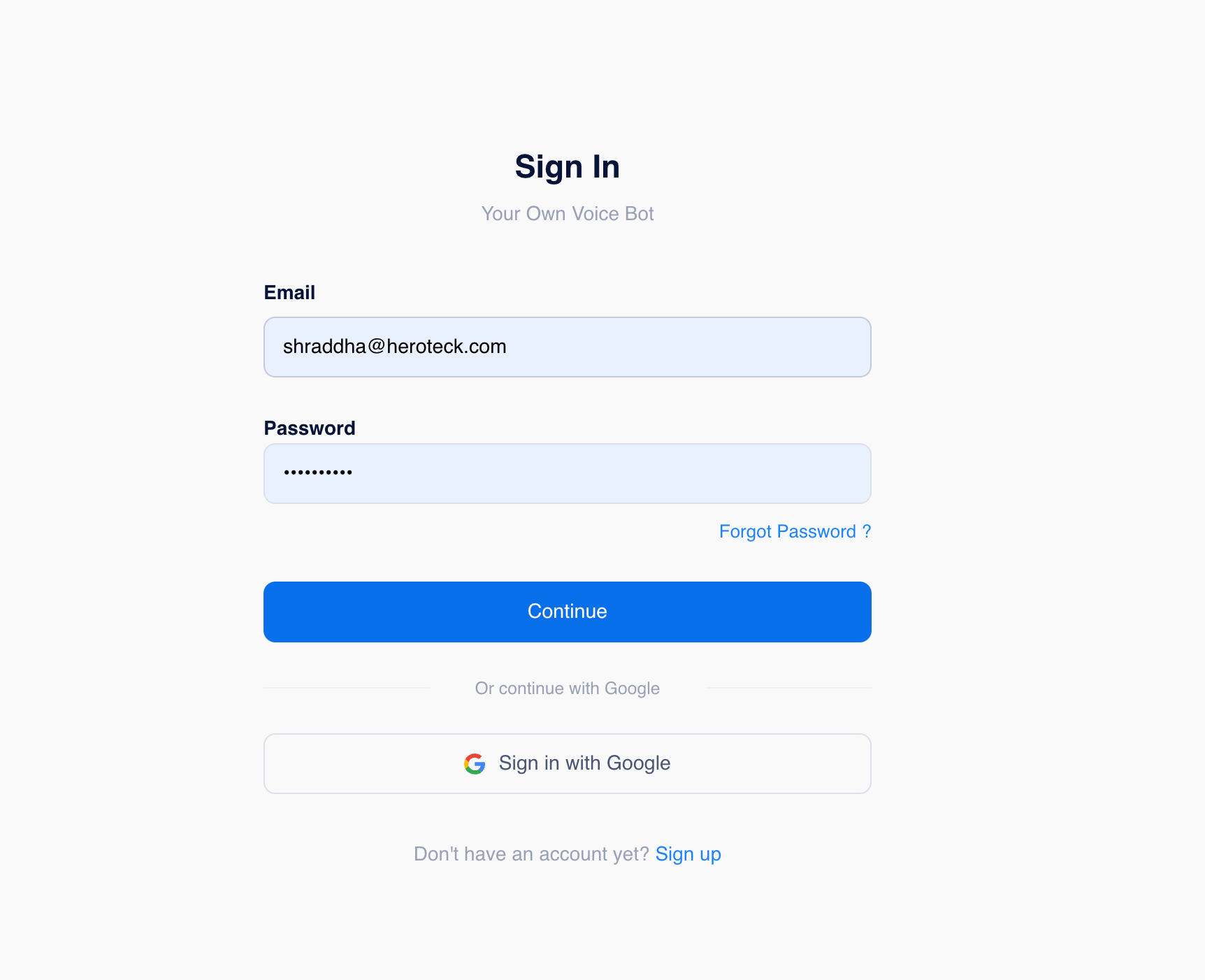 **Sign in** — enter your work email and password, or use **Sign in with Google**.
1. **Enter your email and password**, then press **Continue**.
2. Or choose **Sign in with Google** to use your work Google account.
3. First time here? Use **Sign up** at the bottom. Forgot your password? Use the **Forgot Password?** link to reset it by email.
Credentials filled in — press **Continue** to enter your workspace.
**Sign in** — enter your work email and password, or use **Sign in with Google**.
1. **Enter your email and password**, then press **Continue**.
2. Or choose **Sign in with Google** to use your work Google account.
3. First time here? Use **Sign up** at the bottom. Forgot your password? Use the **Forgot Password?** link to reset it by email.
Credentials filled in — press **Continue** to enter your workspace.
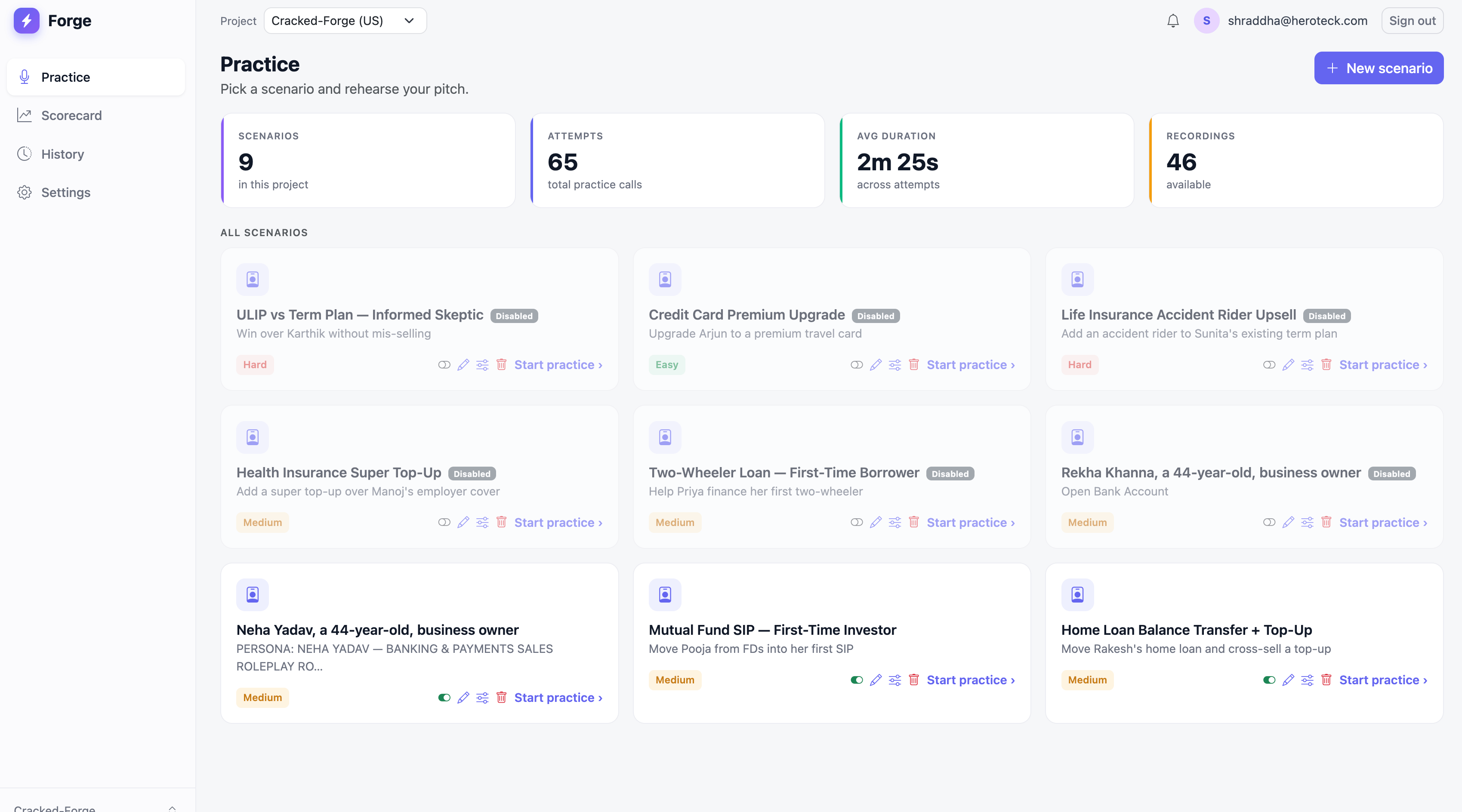 If your team was set up by an admin, sign in with the email your invite was sent to. You'll be dropped straight into the right **project**.