> ## Documentation Index
> Fetch the complete documentation index at: https://docs.uservox.ai/llms.txt
> Use this file to discover all available pages before exploring further.
# API Reference
> Comprehensive API documentation for Vox CRM Lead Management
## Introduction
Welcome to the Vox CRM API documentation. This API provides comprehensive lead management capabilities including creating, updating, querying leads, and tracking activities.
## Base URL
All API endpoints are relative to the base URL:
```
https://crm.uservox.ai/api/v1
```
## Authentication
All API requests require authentication using a Bearer token in the `Authorization` header:
```bash theme={null}
Authorization: Bearer YOUR_API_TOKEN
```
Keep your API tokens secure and never share them publicly. Tokens are project-specific and must match the projectId in your requests.
## Getting Started
Before using the API, you'll need to obtain the following credentials:
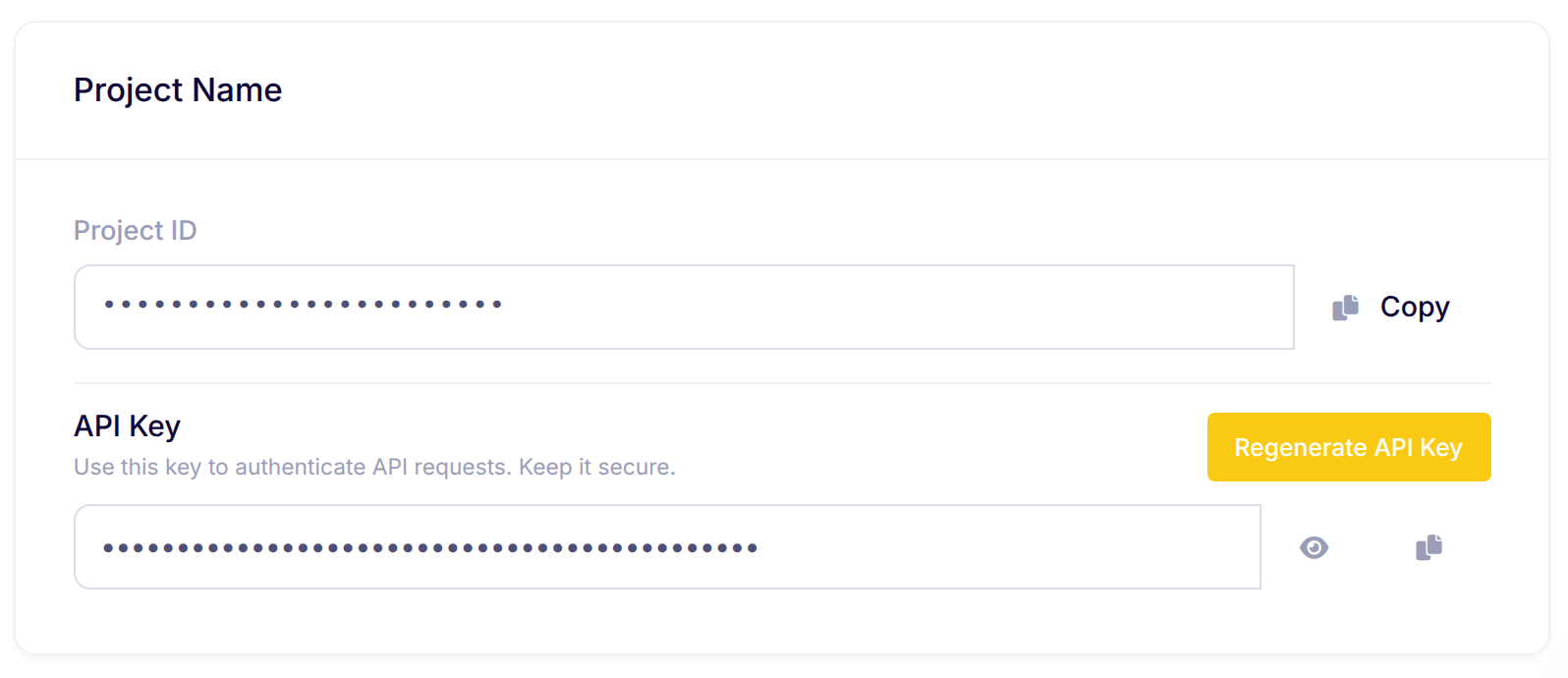
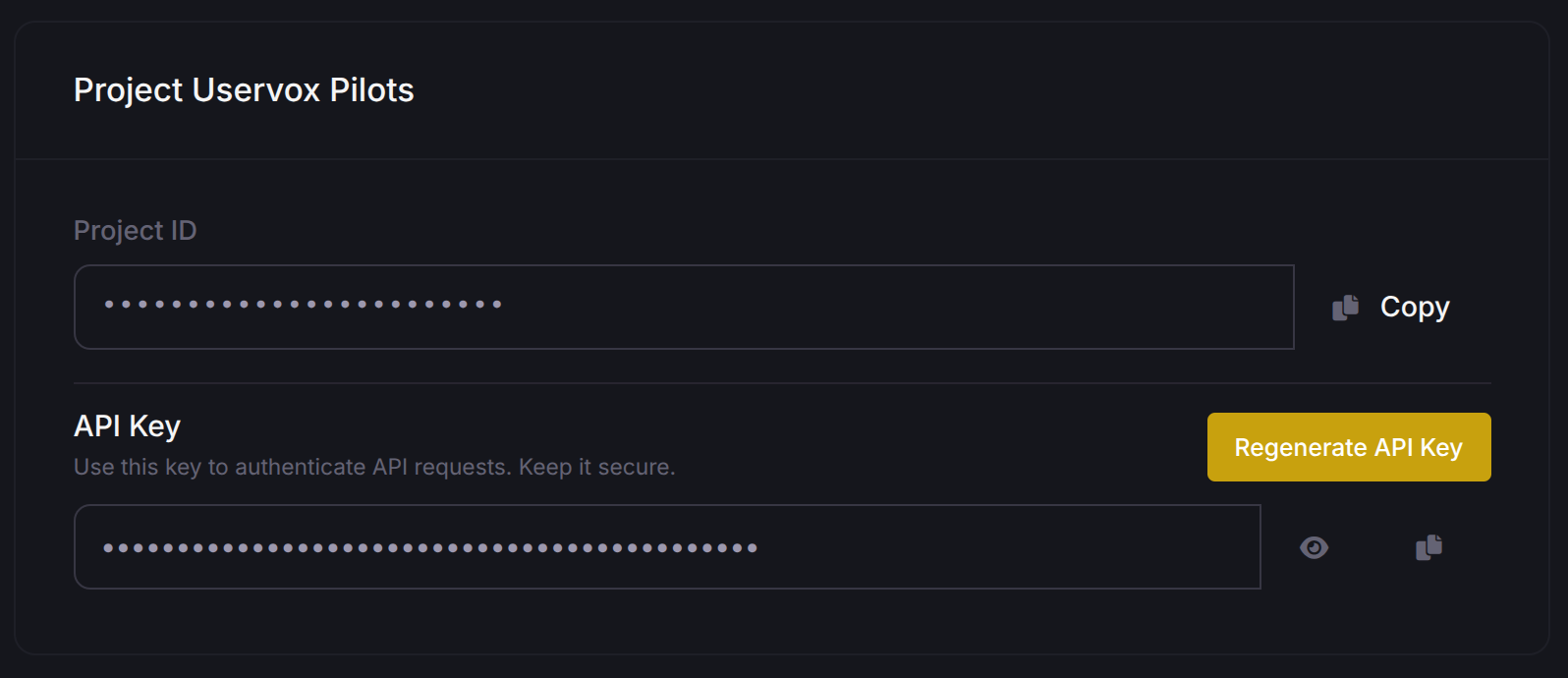
### 1. Get Your API Token and Project ID
To get your API token and project ID, visit the [Account Settings](https://app.uservox.ai/account-settings) page.
 ### 2. Get Your Process ID
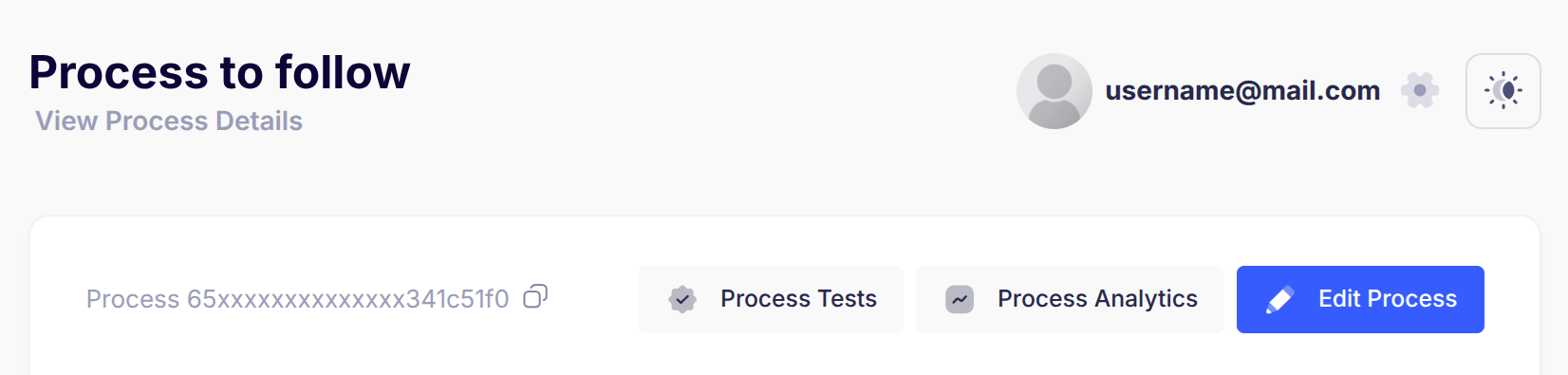
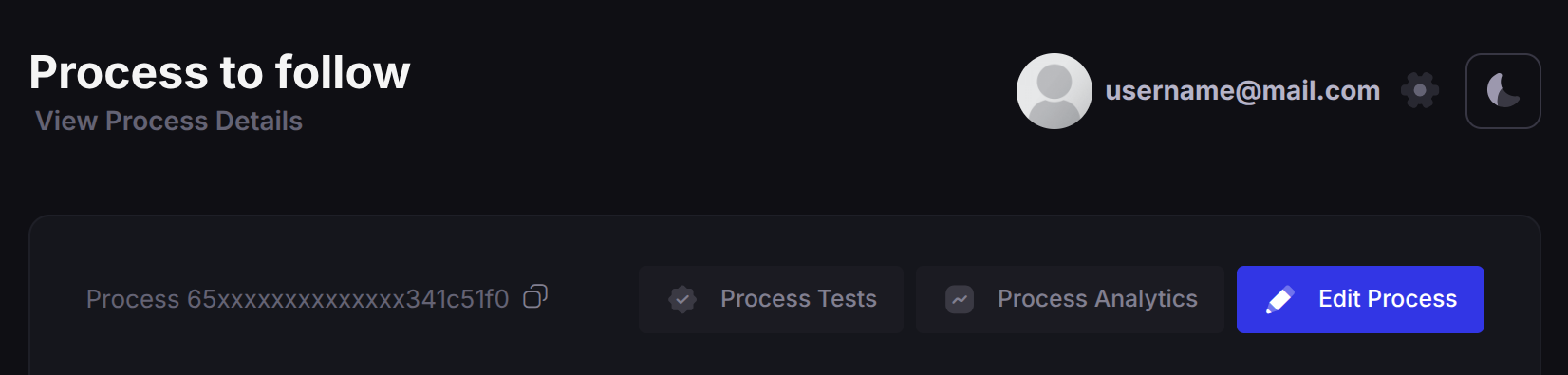
To get your Process ID, navigate to the [Processes](https://app.uservox.ai/processes) page and select your desired process.
### 2. Get Your Process ID
To get your Process ID, navigate to the [Processes](https://app.uservox.ai/processes) page and select your desired process.
 ## Available Endpoints
### Leads Management
Create or validate a lead for calling
Create or validate multiple leads at once
Update lead metadata and transition states
Retrieve a single lead with all its activities
Query multiple leads with filters and pagination
### Activities
Retrieve a single activity by its ID
## Rate Limits
* **Standard Endpoints**: Standard rate limiting applies
* **Initiate Endpoints**: \~100 requests per 5 seconds per project
* **Bulk Operations**: Maximum 1000 leads per request
* **Duplicate Detection**: More than 5 duplicate submissions in 60 seconds will block the API key for 60 minutes
## Response Codes
| Code | Description |
| ----- | ---------------------------------------------------- |
| `200` | Success |
| `400` | Bad Request - Invalid parameters or validation error |
| `403` | Forbidden - Authentication or authorization error |
| `404` | Not Found - Resource doesn't exist |
| `429` | Too Many Requests - Rate limit exceeded |
| `500` | Internal Server Error - Server-side error |
## Data Validation
* Phone numbers are validated for patterns (e.g., repeating digits)
* Duplicate detection prevents multiple calls to the same number
* Required fields vary by endpoint - check individual documentation
* Use the `masked` parameter to mask phone numbers in responses
## Support
For additional support or questions, contact: [support@heroteck.com](mailto:support@heroteck.com)
## Available Endpoints
### Leads Management
Create or validate a lead for calling
Create or validate multiple leads at once
Update lead metadata and transition states
Retrieve a single lead with all its activities
Query multiple leads with filters and pagination
### Activities
Retrieve a single activity by its ID
## Rate Limits
* **Standard Endpoints**: Standard rate limiting applies
* **Initiate Endpoints**: \~100 requests per 5 seconds per project
* **Bulk Operations**: Maximum 1000 leads per request
* **Duplicate Detection**: More than 5 duplicate submissions in 60 seconds will block the API key for 60 minutes
## Response Codes
| Code | Description |
| ----- | ---------------------------------------------------- |
| `200` | Success |
| `400` | Bad Request - Invalid parameters or validation error |
| `403` | Forbidden - Authentication or authorization error |
| `404` | Not Found - Resource doesn't exist |
| `429` | Too Many Requests - Rate limit exceeded |
| `500` | Internal Server Error - Server-side error |
## Data Validation
* Phone numbers are validated for patterns (e.g., repeating digits)
* Duplicate detection prevents multiple calls to the same number
* Required fields vary by endpoint - check individual documentation
* Use the `masked` parameter to mask phone numbers in responses
## Support
For additional support or questions, contact: [support@heroteck.com](mailto:support@heroteck.com)